How Hina records your day
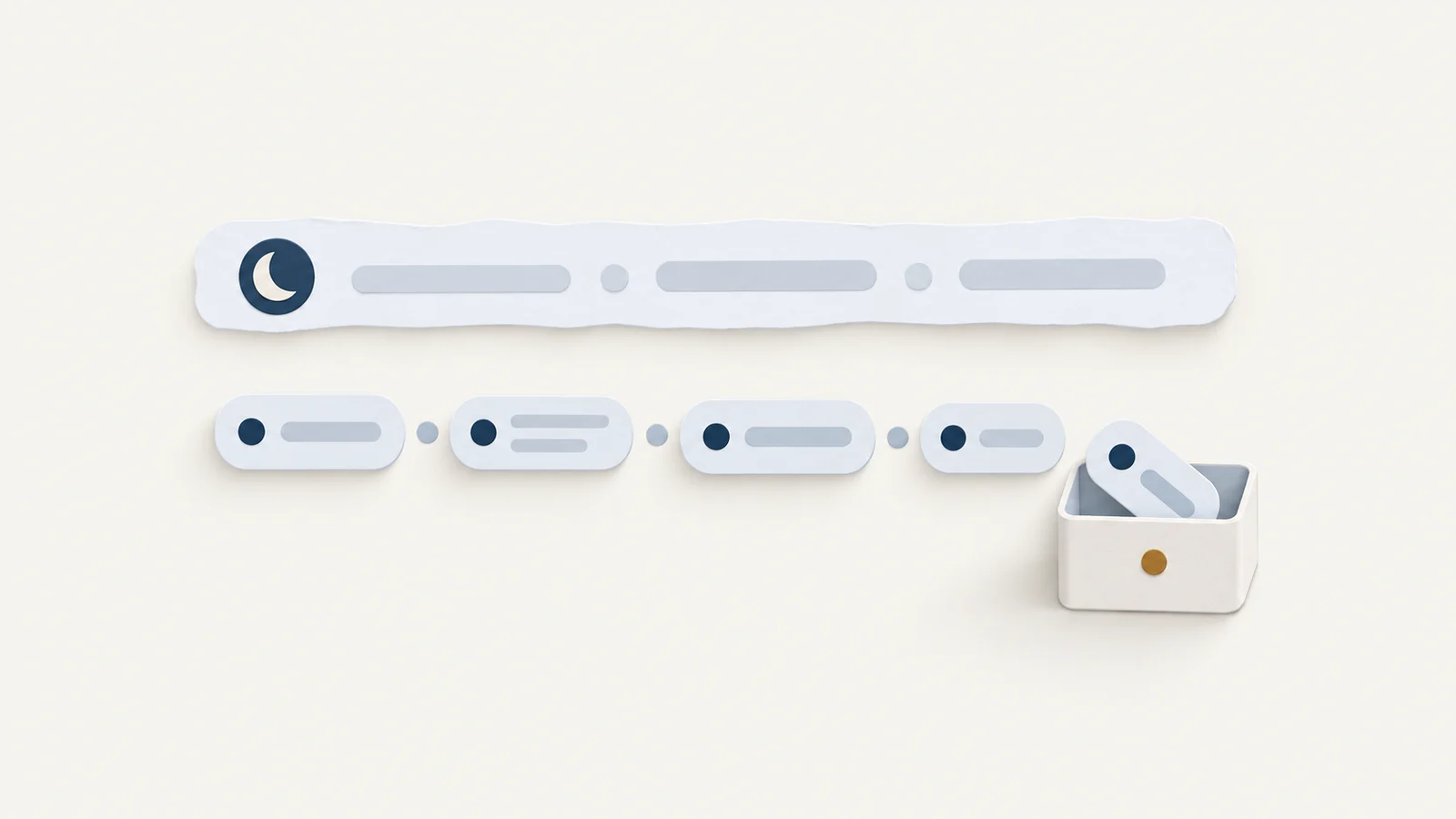
Hina records a day by sampling the frontmost app every 3 seconds, counting key presses, clicks, and scrolls without the characters, and storing those samples as sessions in a SQLite file on this Mac. Screenshots and the characters you typed are not in that timeline. Titles, shell history, agent sessions, and local git stay off until you turn them on, and the daily report is built from the database plus those reads.
What one sample reads
A timer on the main run loop fires every 3 seconds while Hina is running. Each tick asks NSWorkspace for the frontmost application and keeps its bundle identifier and localized name. A Terminal pane, or a document that is not the focused window of that app, does not get a row on this tick.
Input comes from CGEventSource counters on the HID system state. Hina stores the increase since the previous tick for key-down events, for left, right, and other mouse-down events, and for scroll-wheel events. The counter has no field for which key it was, so a commit message cannot be rebuilt from it. Idle is a separate read, the shortest time since the last key-down, modifier change, mouse-down, mouse move, scroll, or drag. Moving the pointer ends idle, and those moves are not stored as a count.
The focused window's title and document are read through Accessibility, and only after you turn Record window titles and page paths on. macOS 27 calls that permission Device Control and Data Access. Earlier releases call it Accessibility. An http or https document is stored as scheme, host, and path, with the query, the fragment, and any user or password removed. Password managers are not asked for a title. Without the permission the tick still records the app name. A call that does not return within half a second is a miss, and the next tick tries again.
How a sample becomes a session
The open row grows when bundle id, title, document, and microphone and camera state match and the sample lands within 12 seconds. A change or a longer gap starts a new row. Each sample's counts stay on its row. With titles off, two files in one app stay one session until the app or the mic and camera state changes.
At 180 seconds of idle the tick skips the window and writes an away row, bundle id hina.idle, pulling the open app row back to the last input. On the Trail that row is labelled Away after you click Show N away periods. Lock is the session key CGSSessionScreenIsLocked, and sleep is the workspace will-sleep notification. Both are away rows with a context bit. If a stretch locks and then sleeps, both bits stay, and the day's totals count it as sleep.
Microphone and camera changes also cut a session. The microphone must agree on two ticks. The camera is probed every fourth tick, about every 12 seconds, and then needs two agreeing reads, so that cut can land about 20 seconds late. Pause recording writes nothing and rebases the counters, so keys pressed while paused are not added to the next app. An ignored app is a blank of the same kind. The tick consumes the counters and writes no row.

The file, and where the day is cut
The rows are one SQLite file, ~/Library/Application Support/Hina/hina.sqlite, in WAL mode. Settings, Data, Show in Finder selects it. The sessions table stores start and end as Unix timestamps, bundle id, app name, title, document, an idle flag, and the key, click, and scroll totals, plus context bits for microphone, camera, audio playback, full screen and battery, the display and Space-switch counts, the focused element's role, and a browser's tab count. Clear records on the Privacy tab deletes these rows, pauses until Resume recording, and leaves AI files, repositories, and exports alone. Deleting the app does not delete the database.
The workday runs from 04:00 local time to 04:00 the next day. The Trail, the charts, and the report all use that cut, so work at 01:00 still belongs to the previous date. The date in the report title is the calendar date of that 04:00 start. A late session that looks missing is often on the neighbouring date.
What you add by turning a source on
Record window titles and page paths stays off until you turn it on in Settings, Privacy. Once on, the title and the stripped path join the session key, so a new file or page starts a new SQLite row. Turning it off stops new titles and leaves stored rows until you clear them. The article on time tracking without screenshots is about how far those names go.
Read agent sessions and Read shell history are off by default, read only while a report is built, and not copied into hina.sqlite. The agent read keeps your prompts, session time, working directory, and branch from ~/.claude/projects, ~/.codex/sessions and archived_sessions, Antigravity's ~/.gemini/antigravity-cli/history.jsonl, and only the <user_query> text in Cursor's transcripts under ~/.cursor/projects, plus Claude Code paths from Edit, Write, and NotebookEdit. Replies and tool output stay out. Shell history is ~/.zsh_history in extended form only, a leading colon, a timestamp, and an elapsed time. Hina keeps a command and a subcommand such as brew install, drops arguments, a secret-looking line, and an environment assignment, and skips cd, ls, and git status. With no timestamps, Last daily report says shell has no timestamps.
Local git is chosen under Project folders used in reports on the Data tab. Until a folder is chosen, no repository is scanned. The scan reads local commits, changed files, tags, and uncommitted or unpushed state inside the same 04:00 window, and it does not call GitHub. Git runs with lazy fetch disabled, an empty protocol allowlist, and fsmonitor off, and log reads pass --no-ext-diff and --no-textconv. At most 40 repositories are kept. The rest are omitted and counted on Last daily report.
How the daily report is built
The report is not a second recording. Today's report in the menu bar menu, Command-D, returns to today and builds it for that workday, and the same build can start once while you are already away. Activity is the SQLite sessions in that 04:00 window. Enabled agent and shell files are scanned in parallel and not written back. Git then runs on the folders you chose and prefers agent directories and that day's projects under the cap of 40.
The Markdown is built on this Mac. The opening line states time at the keyboard, and local commit counts when any exist, then Work that day lists local commit subjects, What you asked AI, and Recorded activity per project. Confirmed outcomes and In progress and unconfirmed come from those commits and the workspace. Rhythm of the day separates breaks, gaps under 5 minutes, time Hina was not recording, and the small gaps between samples. Evidence holds the project table, Commands you ran, touched files, and agent sessions outside the chosen repositories. AI usage metadata, off by default, adds model, project, time, and token counts from the local Claude Code and Codex logs, kept in memory and not written into SQLite. Input totals include cache, and the figures are not a request count, a duration, or a bill.
If the database, the comparison baseline, git, or an enabled agent or shell history cannot be read, the report says some records could not be fully read and this report may be incomplete. Last daily report on the Data tab then lists those sources, including shell has no timestamps, repos not scanned, and a failed scan. The article on choosing what a work tracker can see goes switch by switch.
Checking the record, and the three clicks that use the network
On the Trail, find the app, and click Show N away periods for the Away rows. Recording health, under Settings, General, reads Ready, or else Paused, Permission needed, Write failed, Read failed, or No recent records when the newest end is more than 5 minutes old. See what has been saved lists the latest three rows for the day. A blank is usually Hina not running, recording paused, or an ignored frontmost app. Launch at login starts recording after login, without opening the window. The article on a gap in the report walks these checks in order.
Recording, search, charts, and the report do not open a network connection. The three requests that do are each a click, and none sends the SQLite rows. Manage on the License row of Settings, General opens a panel whose buy button opens hina.day/api/checkout in the browser, which forwards you to the Dodo checkout. Activate in that panel POSTs the key and a name, Hina plus this Mac's short id, to live.dodopayments.com/licenses/activate. Once the window is open, Check for Updates in the Hina application menu GETs https://hina.day/version.json with no activity and no machine id in the request, and the version comparison happens on this Mac. There is no scheduled check. A report you paste into another tool is then that tool's to handle.
When you need the picture, such as where a button ended up, a screen recording keeps it and Hina does not. When a billed hour has to be the span you started and assigned to a client, a manual timer matches that bill. When no activity log may exist on the machine, the SQLite file and the optional reads do not fit. Hina does not take screenshots.